Bring Your Own Device
Bring Your Own Device
Bring Your Own Device is fast and free with Free Phone Wireless. Keep the device you already have, move your existing number over, and get connected on our nationwide network.
In Depth
Everything You Need to Know
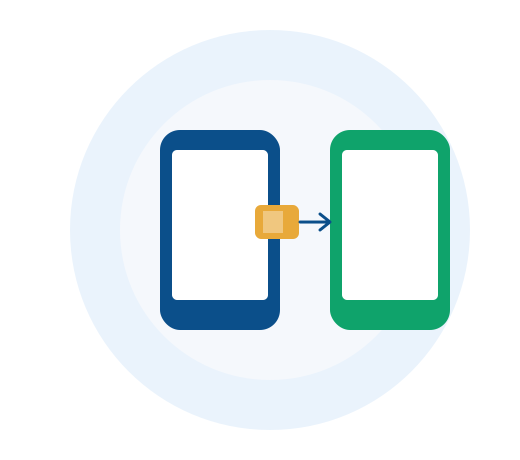
Bringing Your Own Device, Step by Step
- Check compatibility using your phone's IMEI
- Order a SIM or activate an eSIM
- Port your existing number over, usually within one business day
Browse
Bring Your Own Device
Switch to Us
Learn how easy it is to bring your current phone and switch to our nationwide network.
Keep Your Number
Don't lose your contacts. We make porting your existing phone number simple and fast.
eSIM Activation
Activate your service instantly over the air without waiting for a physical SIM card in the mail.
Learn More
From Our Guides
Technology · 5 min read
eSIM vs. Physical SIM: Which Is Right for Your Lifeline Phone?
Bringing your own device? Here's how eSIM and physical SIM cards compare, and how to know which your phone supports.
Read More
Getting Started · 6 min read
How to Switch Lifeline Providers Without Losing Benefits
Not happy with your current Lifeline provider? You can switch — but there's a right way to do it so your benefit transfers cleanly.
Read More