
How to Check Your Lifeline Application Status
Submitted your application and wondering what's next? Here's how to check where things stand and what each status actually means.

Where to check
Most providers, including Free Phone Wireless, let you check your application status online through your account or by contacting support directly with your application or confirmation number.
What the statuses usually mean
- Received / Pending — your application is in the queue and hasn't been reviewed yet
- In Review — your documents are actively being verified
- Approved — you're eligible and your service or device is being provisioned
- Additional Information Needed — something on your application needs clarification or a clearer document
- Denied — your application didn't meet eligibility requirements as submitted
If your application is delayed
Most applications resolve within one to two business days. If it's been longer, reach out to support — delays are most often caused by a document that's hard to read or a name mismatch, both of which are usually quick to fix.
If you're denied
A denial isn't always final. If your circumstances changed, your documents were unclear, or you believe there was an error, you can typically reapply with corrected or updated information.
Related pages on Free Phone Wireless
More Guides
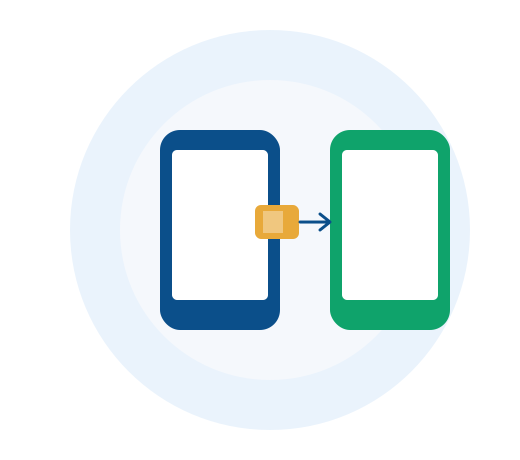
eSIM vs. Physical SIM: Which Is Right for Your Lifeline Phone?
Bringing your own device? Here's how eSIM and physical SIM cards compare, and how to know which your phone supports.
Read More
Is ACP Still Available in 2026?
Short answer: no. Here's exactly what happened to the Affordable Connectivity Program, and what to do if you were relying on it.
Read More
The 5G Revolution: How 5G Is Transforming Connectivity in the U.S.
5G isn't just a faster version of 4G — it's a different kind of network. Here's what's actually changed, and why it matters for your phone plan.
Read More