How to Switch Lifeline Providers Without Losing Benefits
Not happy with your current Lifeline provider? You can switch — but there's a right way to do it so your benefit transfers cleanly.
Why households switch
- Better network coverage where they actually live
- A wider or more current device selection
- Slow or hard-to-reach customer support with their current provider
- A better bundled plan (more data, added lines, etc.)
Before you switch
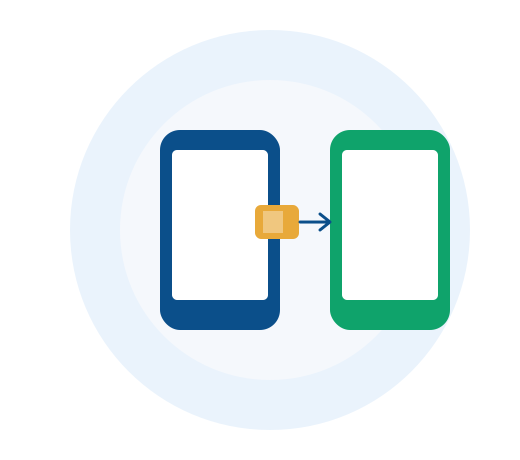
You're only allowed one Lifeline benefit per household at a time. Rather than applying as a brand-new customer with a second provider, you'll transfer your existing benefit — this keeps you compliant with program rules and avoids delays from duplicate-enrollment checks.
Switching in three steps
- Start a transfer application with your new provider (like Free Phone Wireless) rather than a first-time application
- Confirm your identity and current eligibility, since this may be re-verified during a transfer
- Once approved, your new provider coordinates the switch — your old service typically deactivates as the new one activates
Keeping your number
In almost all cases, you can port your existing phone number to your new provider for free, so your contacts, accounts, and two-factor codes keep working without interruption.
Related pages on Free Phone Wireless
More Guides

How to Check Your Lifeline Application Status
Submitted your application and wondering what's next? Here's how to check where things stand and what each status actually means.
Read More
eSIM vs. Physical SIM: Which Is Right for Your Lifeline Phone?
Bringing your own device? Here's how eSIM and physical SIM cards compare, and how to know which your phone supports.
Read More
Is ACP Still Available in 2026?
Short answer: no. Here's exactly what happened to the Affordable Connectivity Program, and what to do if you were relying on it.
Read More